Pass: Honda
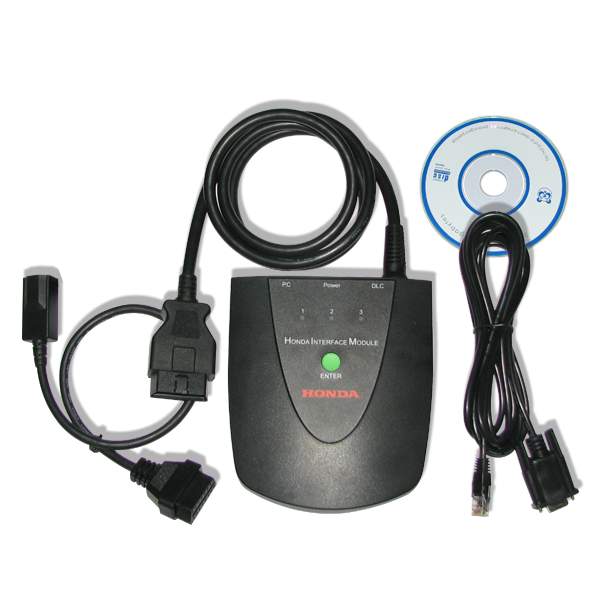
HDS 3.101.044 installation explanation via words…
Go to Computer
Open the DVD drive E: Honda 3.101.044
Open the folder Honda 3.101.044
Run the Setup application
Run the Setup application
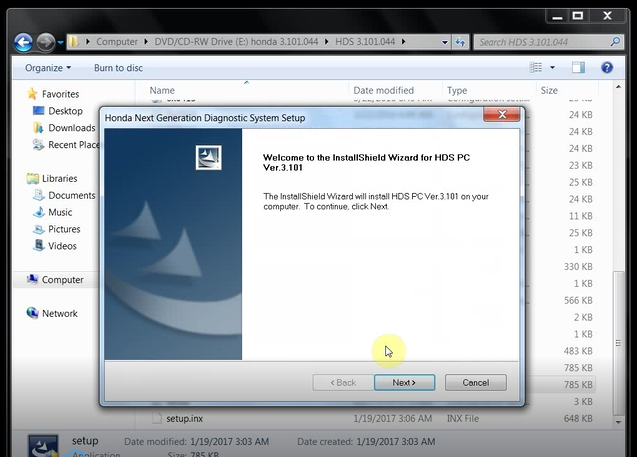
Honda HDS 3.101.044 will begin installation.
Next
Accept the agreement
Select the destination. Here: Other (General)
Select the country. Here: the united states
Enter the dealer number 12345789012
Select a language to install
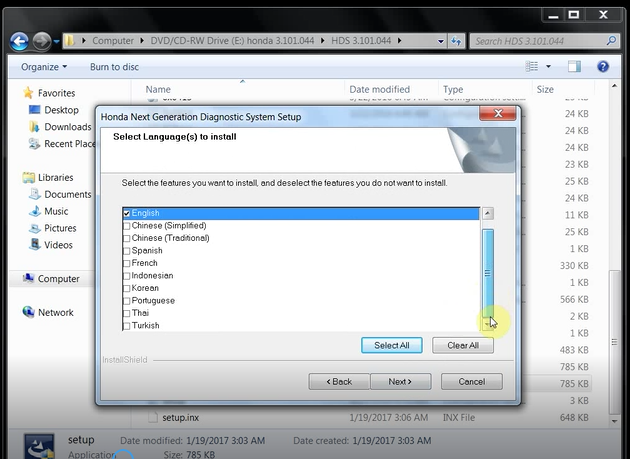
Honda HDS 3.101.044 is installing….
MVCI is installing….
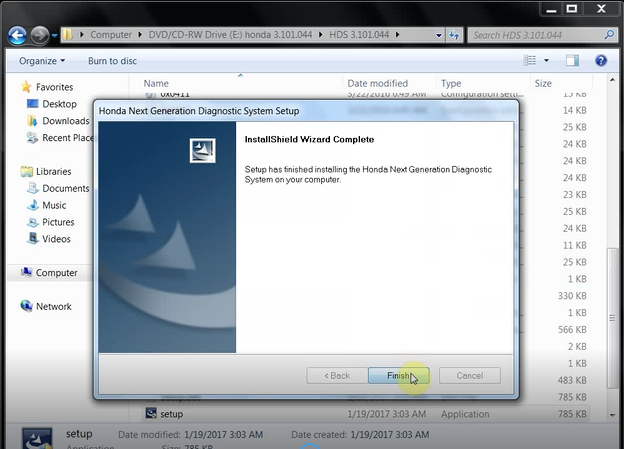
Finish HDS installation
Back to the DVD drive E: Honda 3.101.044
Run GENERAL 64bit registration entries
Continue
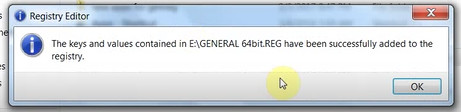
GENERAL 64bit.reg have been successfully added to the registry
Copy all files in disk E:/new apps for genreg
Run Diagnostic system properties
Open file location
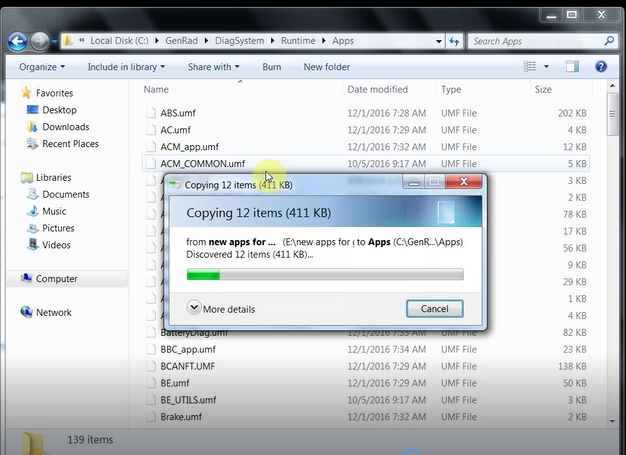
Copy and replace files in disk C:/GenRad/DiagSystem/Runtime/Apps
Close all the interfaces
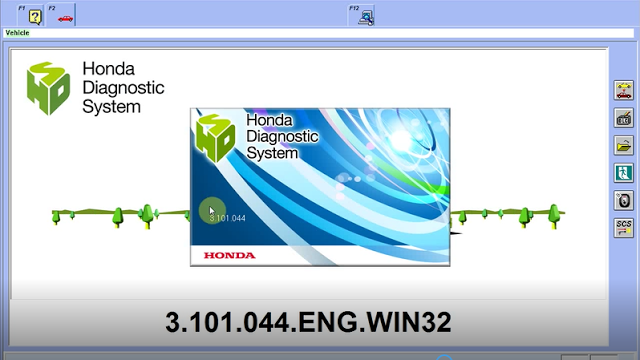
Open Honda Diagnostic System on Desktop
This is Honda HDS 3.101.044 English Windows 7 32bit version
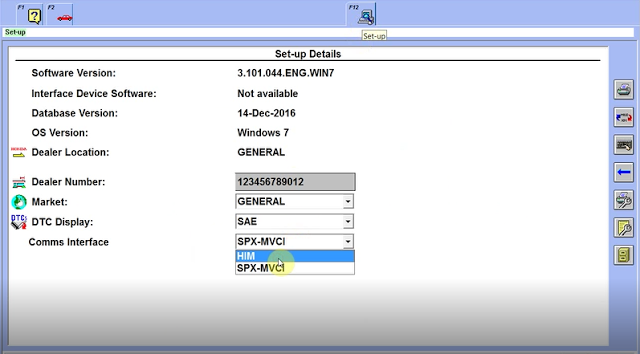
Press F12
Select HDS diagnostic interface: HIM
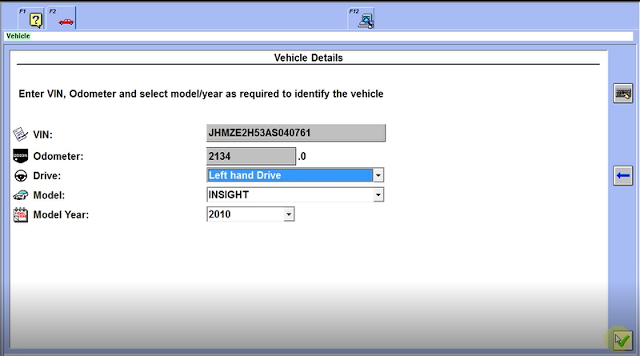
Test on INSIGHT 2010
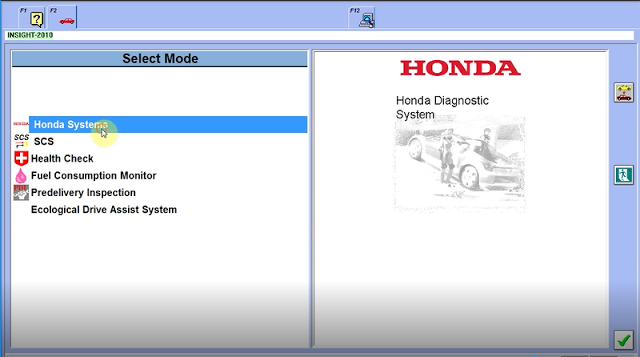
Select Honda system
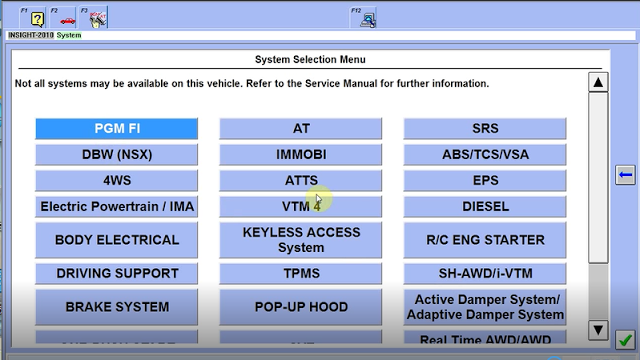
PGM FI
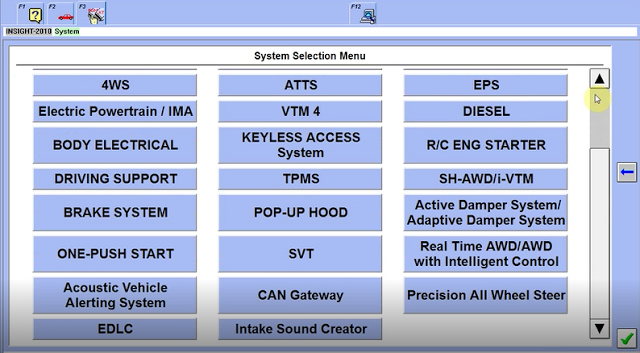
DTCs/freeze data
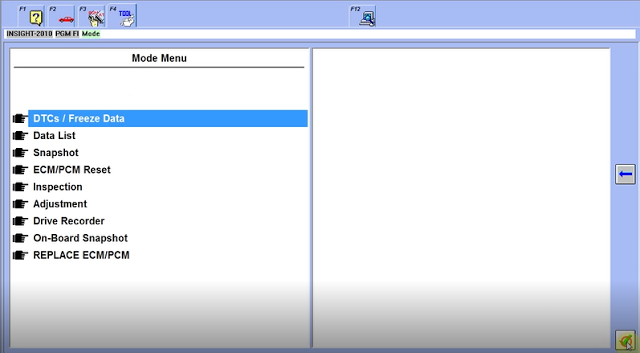
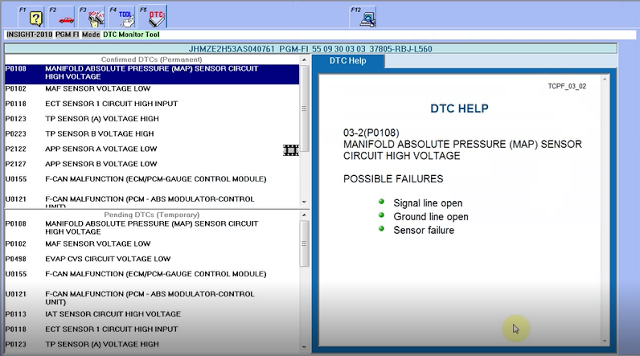
So, Honda HDS 3.101.044 is working no issues.

Không có nhận xét nào:
Đăng nhận xét